Proton VPN has built a strong reputation for privacy, transparency, and security. Developed by the team behind Proton Mail, it is widely regarded as one of the most trustworthy VPN services available today. If you are considering trying Proton VPN but want to test it first without committing long term, understanding how to access its free trial options is essential. This guide explains exactly how to get a Proton VPN free trial step by step, what to expect, and how to avoid common mistakes.
TLDR: Proton VPN offers both a free plan and a 30-day money-back guarantee on paid plans, which effectively works as a free trial. To access the full premium features risk-free, sign up for a paid plan and cancel within 30 days for a refund. Alternatively, use the permanent free tier for basic protection. Follow the step-by-step instructions below to get started securely and confidently.
Table of Contents
Understanding Proton VPN’s Free Options
Before diving into the steps, it is important to clarify what Proton VPN means by “free trial.” Unlike some VPN providers that offer a limited-time automated trial, Proton VPN works differently. It provides:
- A permanently free plan with limited features
- A 30-day money-back guarantee on all paid plans
Both options allow you to test the service, but they serve different purposes. The free plan is useful for basic browsing protection, while the money-back guarantee allows full access to premium servers and advanced features.

Option 1: Using Proton VPN’s Free Plan
If you prefer not to enter payment details, Proton VPN’s free plan is the easiest way to start. While it has limitations, it provides unlimited data, which is uncommon among free VPNs.
Step 1: Visit the Official Proton VPN Website
Always navigate directly to the official Proton VPN website. This ensures that you are downloading legitimate software and not a malicious copy. Avoid third-party download sources.
Step 2: Create a Proton Account
You will need to create a Proton account. This only requires:
- An email address
- A password
You may use an existing email address or create a new Proton Mail account during sign-up.
Step 3: Choose the Free Plan
During registration, select the Free subscription option. No credit card is required. After confirming your email, your free account becomes active immediately.
Step 4: Download the App
Proton VPN is available for:
- Windows
- macOS
- Linux
- Android
- iOS
Download the appropriate app for your device and install it.
Step 5: Log In and Connect
Open the app, sign in with your Proton account, and click “Quick Connect.” The system will automatically assign the fastest available free server.
Limitations of the Free Plan:
- Access to servers in only a few countries
- Lower speeds compared to paid plans
- No support for streaming services
- No Secure Core servers
Despite limitations, the free plan offers strong encryption and no data caps, making it a safe choice for testing basic functionality.
Option 2: Using the 30-Day Money-Back Guarantee (Full Premium Trial)
If you want to test all features, including high-speed servers and streaming support, the best approach is to use Proton VPN’s 30-day money-back guarantee. This effectively works as a risk-free trial of the premium service.
Step 1: Select a Paid Plan
Proton VPN offers several premium tiers, typically categorized as monthly or long-term subscriptions. Choose the plan that fits your needs. Even long-term subscriptions qualify for the money-back guarantee.
Important: Ensure the money-back guarantee policy is displayed at checkout to confirm eligibility.
Step 2: Create or Log Into Your Account
If you already created a free account, you can upgrade it. Otherwise, register as a new user.
Step 3: Enter Payment Details
You will need to provide payment information. Proton VPN typically accepts:
- Credit or debit cards
- PayPal
- In some regions, additional payment methods
The payment is processed immediately, but you are eligible for a refund within 30 days.
Step 4: Download and Install the Premium App
If you already installed the free version, simply log in to unlock premium features. All premium servers, Secure Core routing, and advanced settings will now be accessible.
Step 5: Test All Features Thoroughly
During the 30-day period, evaluate:
- Connection speed
- Streaming performance
- Server availability
- Security features like Secure Core
- Performance with torrenting (if permitted in your region)
Use the service as you normally would. This allows you to make a fully informed decision before the refund window closes.
Step 6: Request a Refund (If Needed)
If you decide not to continue, contact Proton VPN support within 30 days of purchase. Refunds are generally processed back to your original payment method.
Note: Refund eligibility may depend on usage levels, so always review the specific terms on the official website.
Key Differences Between Free Plan and Money-Back Trial
Understanding the distinction helps you choose the right approach:
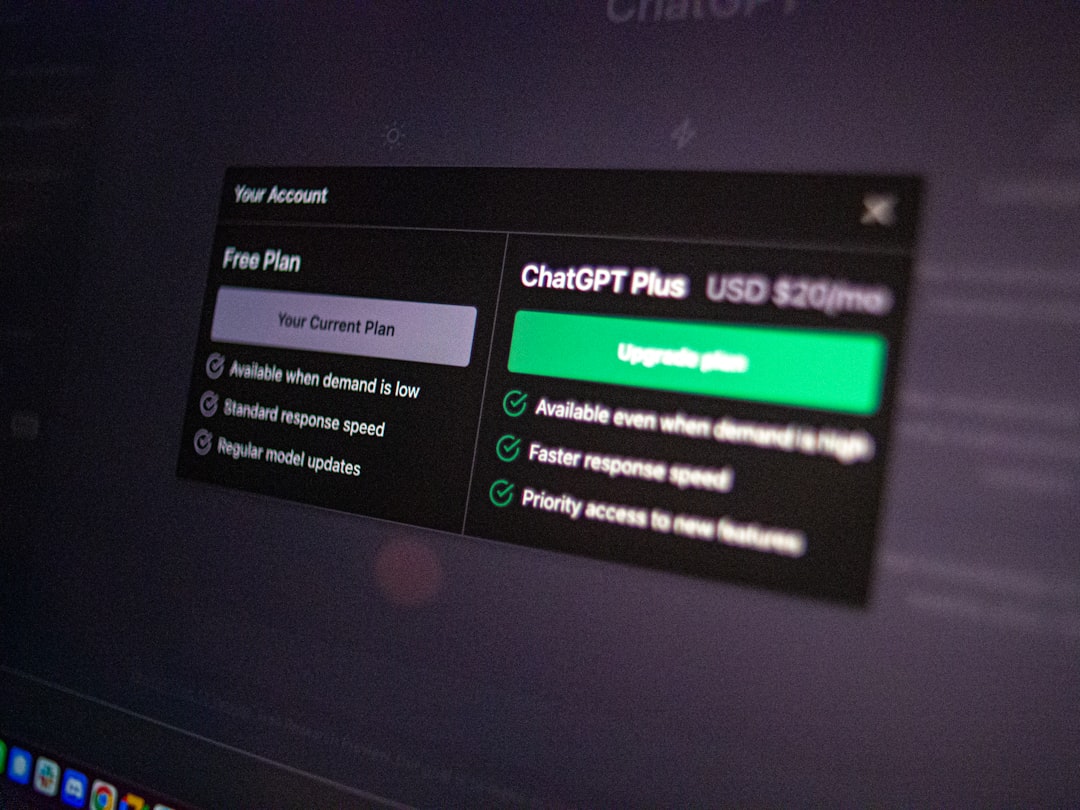
- Free Plan: No payment required, limited servers and features, permanent access.
- Paid Trial via Refund: Full feature access, requires upfront payment, refund available within 30 days.
If your goal is simply secure browsing, the free version may be sufficient. If you need streaming, higher speeds, or advanced privacy features, the refund-backed premium trial is the better choice.
What Features Can You Test During the Premium Trial?
When using a paid plan under the money-back guarantee, you can explore advanced capabilities such as:
- Secure Core: Routes traffic through multiple privacy-friendly countries.
- NetShield: Blocks ads, trackers, and malware.
- High-speed servers: Optimized for performance.
- Streaming support: Access to geographically restricted platforms.
- Split tunneling: Route specific apps outside the VPN.
Testing these features thoroughly helps determine if Proton VPN meets your long-term security requirements.
Common Mistakes to Avoid
Even experienced users make small errors when signing up for VPN trials. Avoid these common pitfalls:
- Missing the 30-day deadline: Mark the cancellation date on your calendar.
- Downloading from unofficial sources: Always use the official website or verified app stores.
- Confusing the free plan with the trial: The free plan does not include premium features.
- Not reviewing refund policies: Always read the current terms before purchasing.
Taking a careful and methodical approach ensures that your trial remains truly risk-free.
Is Proton VPN’s Free Trial Worth It?
For users who prioritize privacy and transparency, Proton VPN’s approach is notably trustworthy. The company publishes security audits and maintains a clear privacy policy. While it does not advertise a “click-and-use” short-term trial like some competitors, the combination of a permanent free tier and a full refund policy provides flexibility.
The free plan is ideal for:
- Testing the interface
- Securing public Wi-Fi browsing
- Light everyday usage
The premium trial is better suited for:
- Streaming geo-restricted content
- Large downloads
- High-speed performance needs
- Maximum privacy configuration
Final Thoughts
Getting a Proton VPN free trial is straightforward once you understand the structure of its offerings. You can either use the permanent free plan with limited functionality or leverage the 30-day money-back guarantee to access premium features without long-term financial risk.
By following the steps outlined above, you can safely evaluate Proton VPN’s performance, security, and usability. Whether you choose the free tier or the refund-backed premium option, you will be testing one of the most respected VPN services available today. Always ensure you monitor deadlines carefully and download software only from official sources to maintain full security throughout the trial process.