
In today’s interconnected world, even traditional networking tools like business cards are undergoing a digital and visual transformation. While a name and contact number used to suffice, professionals today seek cards that reflect their brand’s personality and expertise. Thanks to advanced design tools, anyone — from freelancers to entrepreneurs — can craft stunning business cards that do far more than just share information.
Table of Contents
TLDR (Too long, didn’t read):
Modern business card design tools empower users to go beyond plain contact details, offering customization, automation, and creative templates. These platforms are beginner-friendly yet powerful enough for seasoned designers. With features like drag-and-drop interfaces, AI-generated suggestions, and real-time previews, creating a unique business card no longer requires hiring a professional. The result: cards that leave a lasting impression and effectively showcase one’s personal or corporate identity.
Why Design Matters in a Business Card
Business cards are often the first tangible impression someone gets of you or your business. A well-designed card evokes credibility, professionalism, and creativity. Even in a primarily digital world, the exchange of a physical card has a unique psychological appeal — when the design stuns, it’s more likely to be kept, shared, or revisited later.
Features of Powerful Business Card Design Tools
Not all business card makers are created equal. While some offer basic templates, others provide full design suites. Here are some standout features top platforms include:
- Drag-and-Drop Interfaces: Easy to use without technical knowledge.
- High-Quality Templates: Designs crafted by professionals for every industry.
- Font Pairing Suggestions: Harmonize your text for readability and style.
- Color Palette Tools: Choose colors based on your logo or brand aesthetics.
- AI Design Assistants: Get smart recommendations based on your inputs.
- Print-Ready Exports: Files that meet printer specs and ensure crisp results.
Top Business Card Design Tools to Try
1. Canva
Canva is a household name for graphic design—and for good reason. Its business card templates are both abundant and beautiful. Users can start with a designer-made template and alter every element with ease. Canva also allows for uploading brand logos, using custom color schemes, and ordering high-quality printed cards directly from the platform.
2. Adobe Express
Formerly known as Adobe Spark, Adobe Express is ideal for users who want pro-level quality without mastering complex tools like Adobe Illustrator. It features sleek, modern layouts and provides access to Adobe’s vast font and image libraries. Plus, it integrates well with other Adobe apps for additional fine-tuning.
3. Vistaprint’s Design Studio
Vistaprint isn’t just a print service — its intuitive design platform allows for complete customization of business cards. Choose from industry-specific themes or start from scratch. The interface supports side-by-side previewing and offers useful tips to ensure your design is print-optimized.
4. Moo
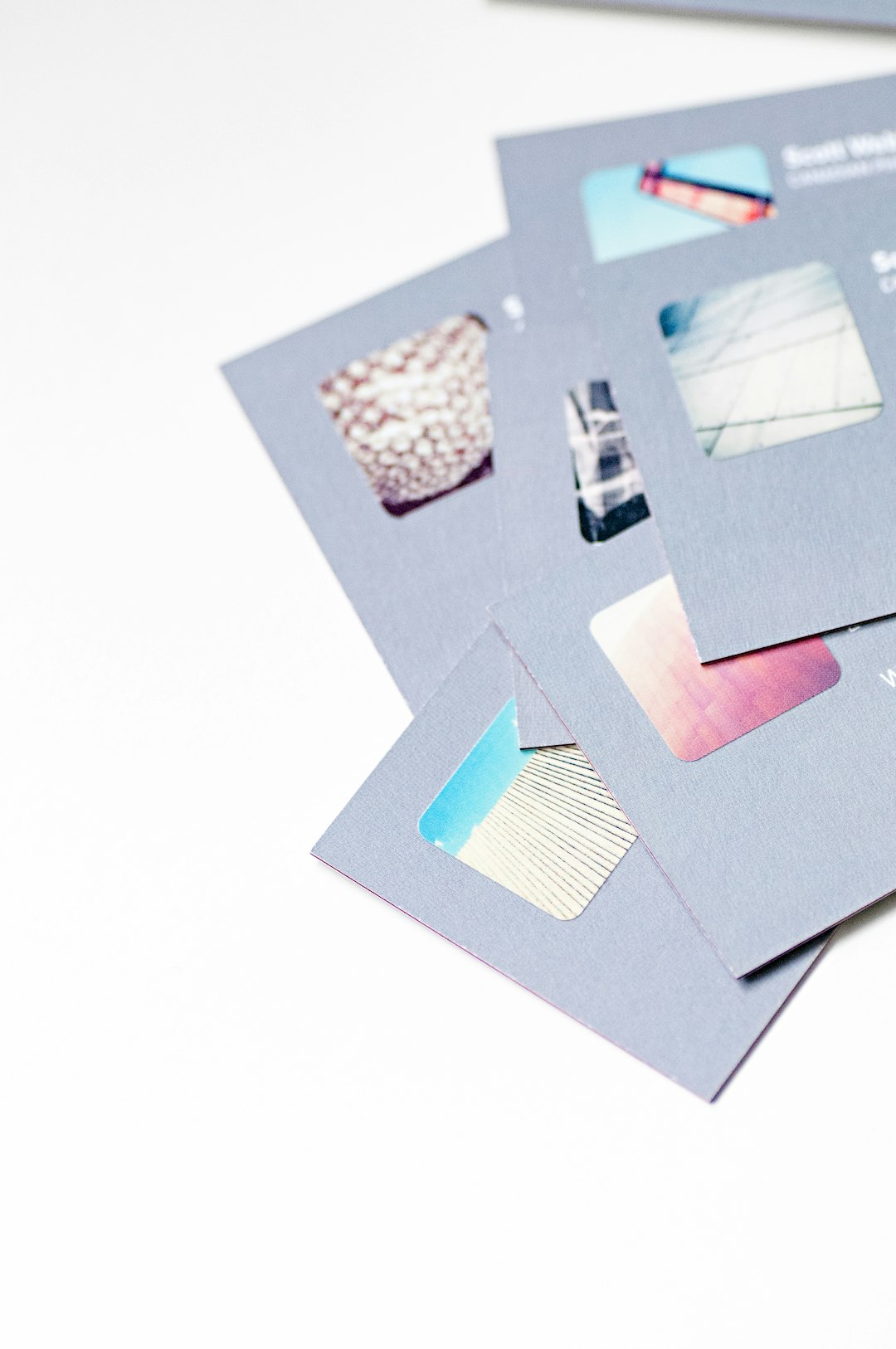
Moo is beloved for its high-end card stock and now also offers a robust online design tool. What sets Moo apart is its unique “Printfinity” option — allowing every card in a pack to have a different design. This is ideal for showcasing a portfolio or various aspects of your brand.
5. Figma
For those with a bit more design experience, Figma can be a powerful option. It’s a collaborative interface tool rather than a dedicated business card creator, but its flexibility allows for total control. Teams can collaborate in real-time and export crisp, ready-to-print files effortlessly.
Business Card Trends to Consider When Designing
The tools matter, but so does staying ahead of the curve. As with all design, trends evolve. Here are a few design directions to explore:
- Minimalism: Clean, sparse layouts draw the eye to key information.
- QR Codes: Let recipients scan to visit your site or download your contact info.
- Bold Typography: Make your name or role stand out instantly.
- Experimental Shapes: Square, hexagonal, and die-cut designs are making waves.
- Eco-Friendly Materials: Tools like Canva and Moo now offer sustainable printing options.
Tips to Get the Most from Business Card Design Tools
- Resolution is Key: Always use high-resolution logos and images to ensure sharp prints.
- Consistency Matters: Use your brand’s official fonts and colors to maintain a professional identity.
- Test Prints Are Worth It: Even the best on-screen design can surprise in print—order a sample before committing to bulk.
- Leave Some White Space: Don’t overcrowd your layout; make it breathable and scannable.
When to Outsource vs. DIY
Modern tools make DIY design accessible, but there are still times when outsourcing to a professional is best. If your branding is still in development, hiring a designer might help establish visual guidelines for all materials, not just cards. However, for simple updates, one-off projects, or rapid prototyping, using a design tool is often quicker and more cost-effective.
Final Thoughts
In the competitive business landscape, a great business card can open doors and spark curiosity. By leveraging today’s innovative design platforms, individuals and businesses can elevate their card game from forgettable to fantastic. The right business card tool balances usability, creativity, and print-readiness, ensuring that anyone can design a card that truly represents who they are.
FAQ
- Q: What size should a standard business card be?
- A: Standard business cards typically measure 3.5 x 2 inches, but some design tools offer square or custom-size options too.
- Q: Can I print business cards myself?
- A: Yes, many tools offer downloadable print-ready files you can use at home. However, for a polished finish, professional printing services are recommended.
- Q: Are online business card design tools free?
- A: Many offer free basic templates, but premium elements or exports may require a small fee or subscription.
- Q: What format should I export my card in for printing?
- A: PDF or PNG files with a 300 DPI resolution and bleed margins are ideal for professional printing.
- Q: Is it worth adding a QR code to my business card?
- A: Yes, especially if you want to connect people with your website, portfolio, or digital contact card quickly.