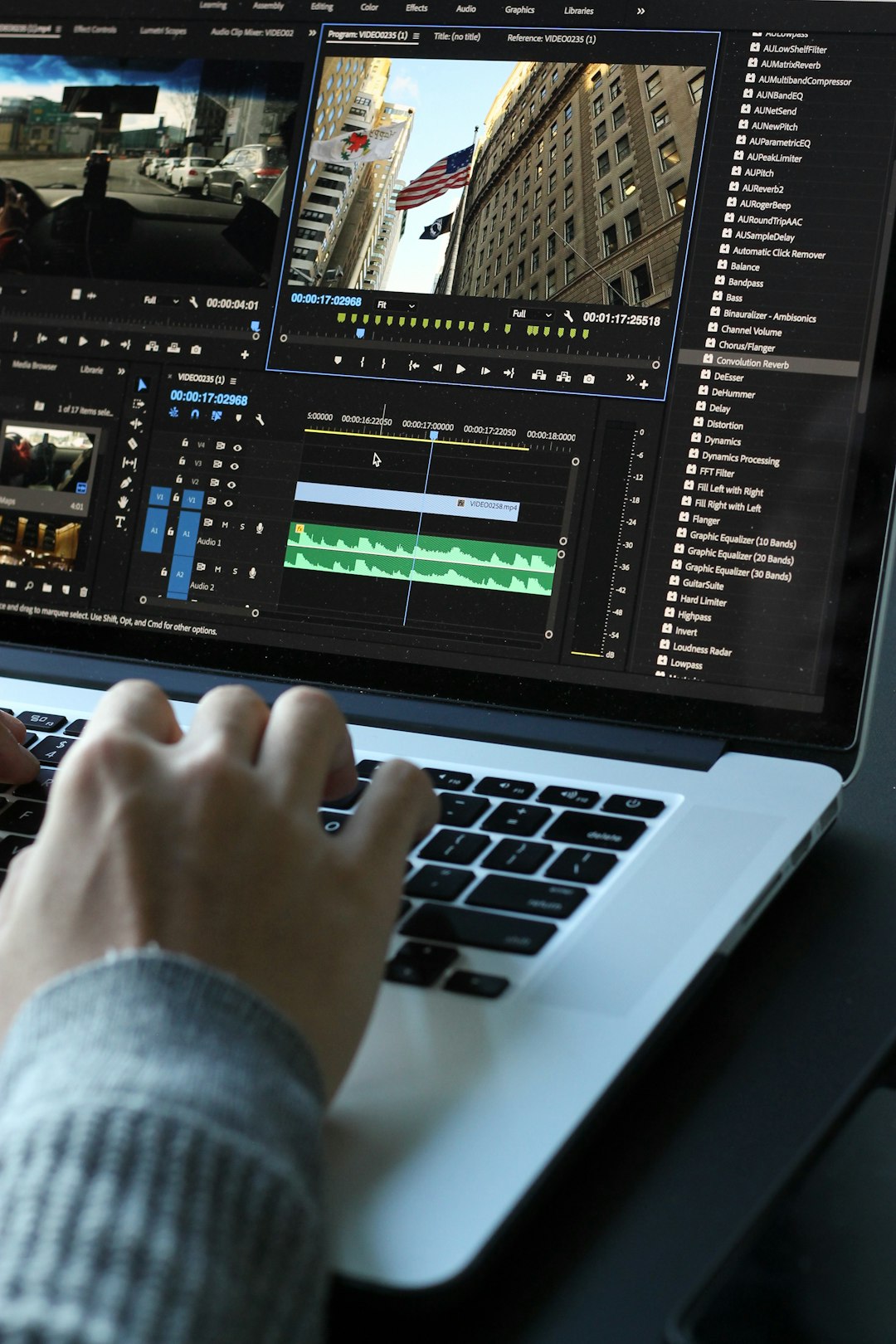
So you’re diving into video editing and want your footage to look like it rolled off a Hollywood post-production studio? Maybe you’ve seen some Reddit users share jaw-dropping edits and wondered: how do they do that? The secret’s out — it’s all about the color grading and using the right tools. But don’t worry, you don’t need to sell a kidney to afford them. There are plenty of budget-friendly video editors that punch way above their weight!
Table of Contents
TLDR
Looking for pro-level color grading tools without spending a fortune? We’ve got you covered. These are the top 7 video editors that Redditors recommend for giving your footage that slick, cinematic look. They’re affordable, powerful, and perfect for beginners and pros alike!
1. DaVinci Resolve – The Godfather of Color Grading
Price: Free (with optional Studio version at $295)
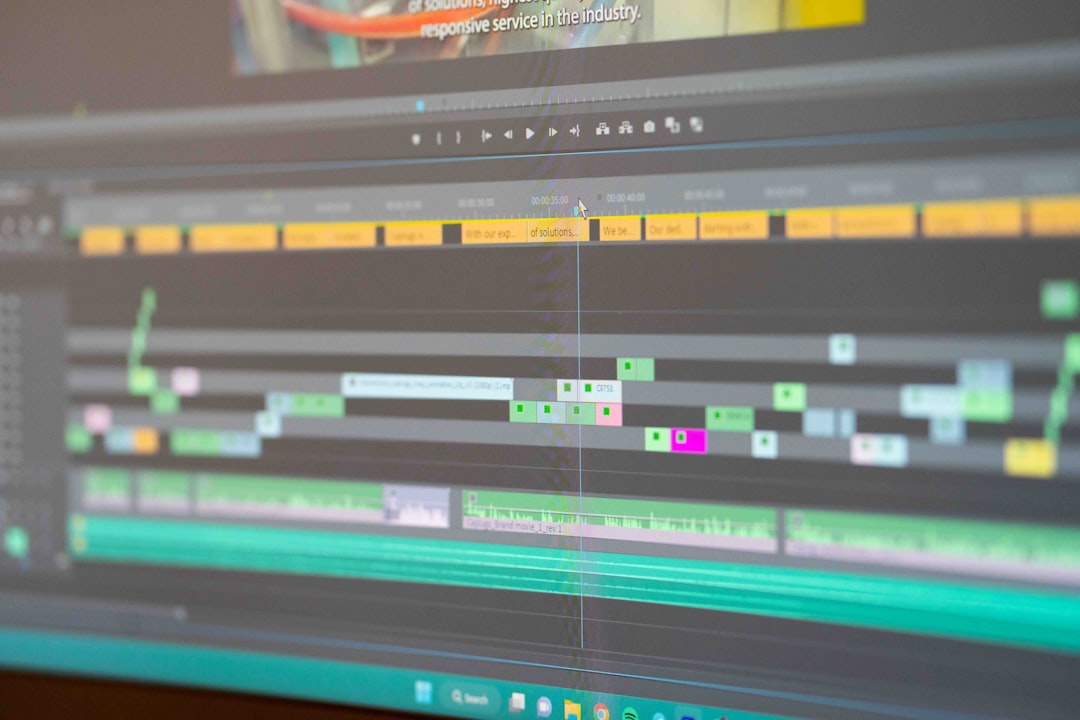
This is the go-to video editor for anyone serious about color grading. DaVinci Resolve offers unmatched control over color correction and grading.
- Node-based editing for pro-level looks
- Fairlight audio tools and Fusion for VFX
- Used in real Hollywood movies
Reddit users constantly rave about Resolve. The free version gives you more than most paid software. It’s a bit heavy on your system, but worth it.
2. HitFilm Express – Power Meets Simplicity
Price: Free (with optional add-on packs)
Want a mix of VFX and color tools without breaking your brain? HitFilm Express is your friend. It blends editing, color tweaking, and effects in one sleek package.
- Great for beginner YouTubers and filmmakers
- Intuitive color wheels and LUT support
- Lots of effects for zero dollars
Redditors love HitFilm for its friendly learning curve and surprising power. Color grading isn’t quite DaVinci-level, but it holds its own!
3. Lightworks – A Classic with a Color Twist
Price: Free (Pro starts at $9.99/month)
Lightworks has been around since dinosaurs edited Jurassic Park. Okay, not quite — but it’s been used in actual Hollywood films.
- Fast editing engine and pro timeline tools
- Color grading tools like curves and scopes
- Supports LUTs and real-time grading
The free version gives you enough to start grading right away. Reddit editors say it’s ideal for quick edits with some visual polish.
4. Shotcut – Open Source and Surprisingly Great
Price: 100% Free
This one’s for the open-source lovers out there. Shotcut is free and doesn’t care about your operating system. Mac, Windows, Linux? It’s got you.
- Has LUT support and three-way color wheels
- Full control over contrast, brightness, hue
- Wide file format support
Redditors suggest Shotcut when you’re on a tight budget but still want control. It looks simple but packs some solid color tools.
5. Kdenlive – Linux Users, Rejoice!
Price: Free
This is a gem for those who love Linux — or are just tired of crashing software. Kdenlive (short for KDE Non-Linear Video Editor) is open-source and highly customizable.
- Supports color correction, white balance, RGB parade
- Custom scopes and LUTs
- Lightweight and speedy
Color grading is pretty smooth, and your CPU fan won’t go nuts. Redditors praise it for giving control without bloat. Also works on Windows!
6. VSDC Free Video Editor – Windows-Only, But Worth It
Price: Free (Pro at $19.99/year)
Windows-only? Sure. But if you’re using a PC, VSDC is kind of a hidden champion. It’s especially good for stylized looks and basic corrections.
- Color adjustments and professional filters
- LUTs and blending modes
- Low-spec system-friendly
The interface isn’t the most modern, but Redditors appreciate its usefulness. Quick renders, decent control, and no watermarks!
7. Olive Video Editor – The Wildcard
Price: Free (in active development)
This is a community darling. Olive is sleek, modern, and still in alpha. But don’t let that scare you — what’s there is very usable.
- Fresh UI and powerful color correction options
- More features added with each release
- Active Reddit community support
Redditor tip: pair Olive with external LUT plugins for extra color control. It’s not quite finished, but it’s very promising.
Bonus: What About Mobile?
If you’re only editing on your phone or tablet, check these out:
- VN Video Editor – Free, with great LUT support
- CapCut – Offers color filters and control for short videos
- LumaFusion (iOS) – Paid, but really pro-level
Reddit mobile editors stand by VN for being surprisingly robust and 100% free. LumaFusion is also a big favorite for iPads.
How to Pick the Right One for You
It depends on what you’re doing.
- Want pro film-level grading? Go with DaVinci Resolve.
- Shooting YouTube videos with flair? Try HitFilm Express or VSDC.
- Love open-source tools? Shotcut, Kdenlive, and Olive are for you.
- On a throwback PC? Lightworks or VSDC will run smoother.
Pro Tip: Use LUTs and Scopes
Color grading isn’t just about sliding around random curves. Learn the basics:
- LUTs (Look-Up Tables): Pre-made color profiles for instant cinematic vibes
- Scopes: Tools like waveform and vectorscope help you grade with precision
Even the free tools on this list support LUTs. Reddit users often share free LUTs in editing subs, so don’t miss out!
Final Thoughts
You don’t need the fanciest gear or a fat wallet to make your videos look amazing. With these budget-friendly editors, you can step up your color game big time. Whether you’re on Windows, Mac, Linux — or even just your phone — there’s an option here for you.
Take the plunge, experiment, play around, and see what fits your style. The Reddit community’s already doing it, and now you can too!