Creating images that stop people mid-scroll is no longer reserved for professional retouchers with years of studio experience. Today’s AI photo editing apps can transform ordinary snapshots into bold portraits, surreal composites, cinematic scenes, and polished campaign-style visuals in minutes. Whether you want neon colors, painterly textures, dramatic lighting, or ultra-clean commercial edits, the right app can help you move from simple correction to true visual storytelling.
TLDR: The best AI photo editing apps for bold and artistic images are the ones that combine automation with creative control. Adobe Photoshop and Lightroom are ideal for serious editing, while apps like Luminar Neo, Picsart, Photoleap, Canva, and Fotor are excellent for fast, expressive results. For sharpening and restoration, Topaz Photo AI and Remini stand out. Choose based on whether you need professional precision, social-ready effects, surreal art tools, or quick enhancements.
Table of Contents
What Makes an AI Photo Editing App Great for Artistic Images?
A good AI editor does more than smooth skin or brighten exposure. For eye-catching, artistic work, the best tools should help you reimagine an image. That might mean replacing a dull sky with a moody storm, adding cinematic color grading, expanding a background, removing distractions, generating textures, or turning a portrait into something that feels like album art.
The most useful apps tend to offer a balance of three things: speed, quality, and control. Fully automatic tools are wonderful when you need quick results, but more advanced artists will want sliders, layers, masks, and selective edits. If your goal is to create striking visuals rather than just clean photos, look for AI features that support experimentation.
- Generative fill or background expansion for surreal compositions and creative cropping.
- AI subject detection for fast masking and selective edits.
- Style transfer and filters for painterly, cyberpunk, retro, or editorial looks.
- Object removal to clean up busy scenes.
- Upscaling and sharpening for crisp, high-impact final images.
- Templates and overlays for poster-like social media graphics.
1. Adobe Photoshop: Best for Professional Creative Control
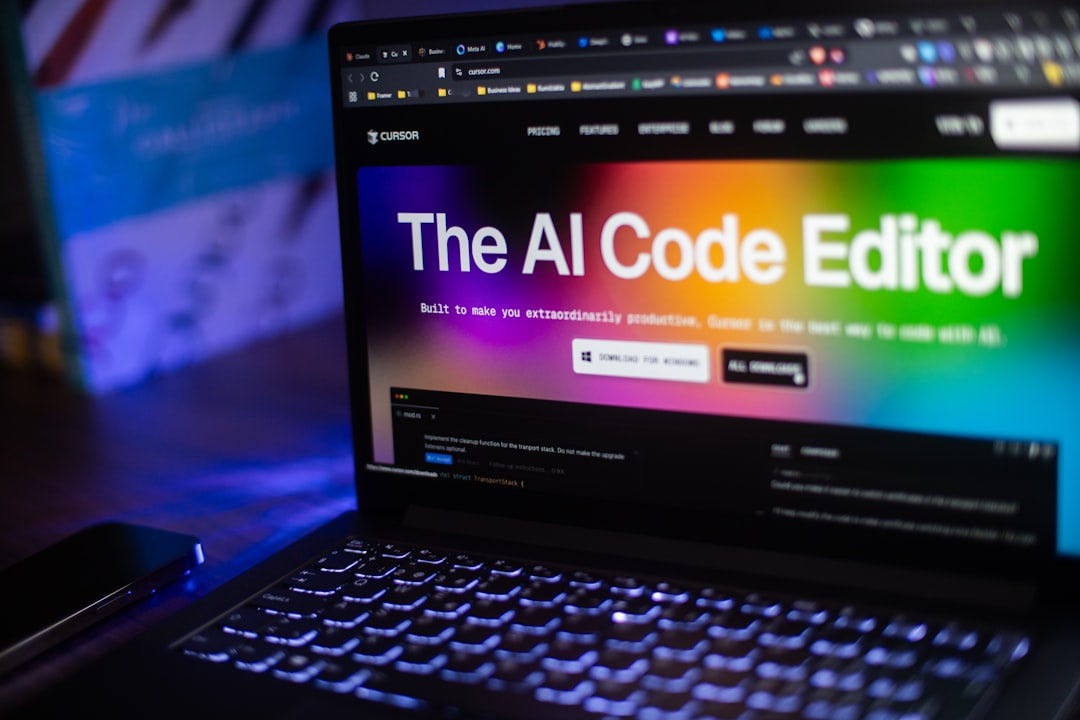
Adobe Photoshop remains one of the most powerful choices for artists, designers, photographers, and content creators who want total control. Its AI-powered features, including generative fill, object selection, background removal, and neural filters, make it easier than ever to create dramatic and imaginative edits.
What makes Photoshop especially useful for bold imagery is that it gives you both freedom and precision. You can remove an object, extend a scene, add new visual elements, retouch skin, blend textures, and build complex compositions using layers. If you want to make a fashion portrait look like a futuristic magazine cover or turn a landscape into a fantasy world, Photoshop is one of the best tools available.
Best for: professional artists, photographers, digital creators, and anyone who wants advanced editing power.
Standout feature: Generative Fill, which lets you add, remove, or expand image elements using text prompts.
2. Adobe Lightroom: Best for Cinematic Color and Mood
If Photoshop is the playground for manipulation, Adobe Lightroom is the studio for color, tone, and atmosphere. Lightroom’s AI masking tools can automatically detect people, skies, backgrounds, objects, and facial features, helping you apply targeted adjustments without spending ages brushing by hand.
For artists who want images that feel cinematic, polished, or editorial, Lightroom is hard to beat. You can create deep shadows, glowing highlights, moody blues, warm desert tones, or high-contrast black-and-white portraits. The app is also excellent for building a consistent visual style across a series of images, which is especially useful for photographers, influencers, and brands.
Best for: photographers, travel creators, portrait editors, and anyone focused on color grading.
Standout feature: AI masking that makes selective color and lighting edits fast and intuitive.
3. Luminar Neo: Best for Dramatic One-Click Enhancements
Luminar Neo is designed for creators who want impressive results without drowning in technical steps. Its AI tools can enhance skies, relight scenes, remove power lines, smooth skin, add atmosphere, and improve composition. The edits often have a dramatic, almost cinematic quality, making it a strong option for bold landscape, travel, and portrait imagery.
One of Luminar Neo’s strengths is how approachable it feels. You can start with AI presets, then fine-tune the result until it matches your taste. It is particularly good for images that need an emotional punch: glowing sunsets, misty mountains, expressive portraits, and high-impact cityscapes.
Best for: creators who want dramatic transformations with minimal effort.
Standout feature: AI sky replacement and relighting tools that can completely change the mood of a scene.
4. Picsart: Best for Social Media Art and Trendy Effects
Picsart is a favorite among creators who want playful, attention-grabbing visuals for social platforms. It offers AI background removal, filters, stickers, collage tools, generative effects, and text-based image creation. The app is less about traditional photo correction and more about creative remixing.
If your style leans toward bold graphics, surreal edits, music-cover aesthetics, or meme-ready compositions, Picsart gives you a lot of tools in an accessible package. You can cut out a subject, place them in a new environment, add glowing outlines, apply cartoon effects, and layer text or stickers for a punchy result.
Best for: TikTok, Instagram, fan art, posters, thumbnails, and casual creative edits.
Standout feature: A huge library of effects, overlays, stickers, and AI tools for fast visual experimentation.
5. Photoleap: Best for Surreal and Experimental Edits
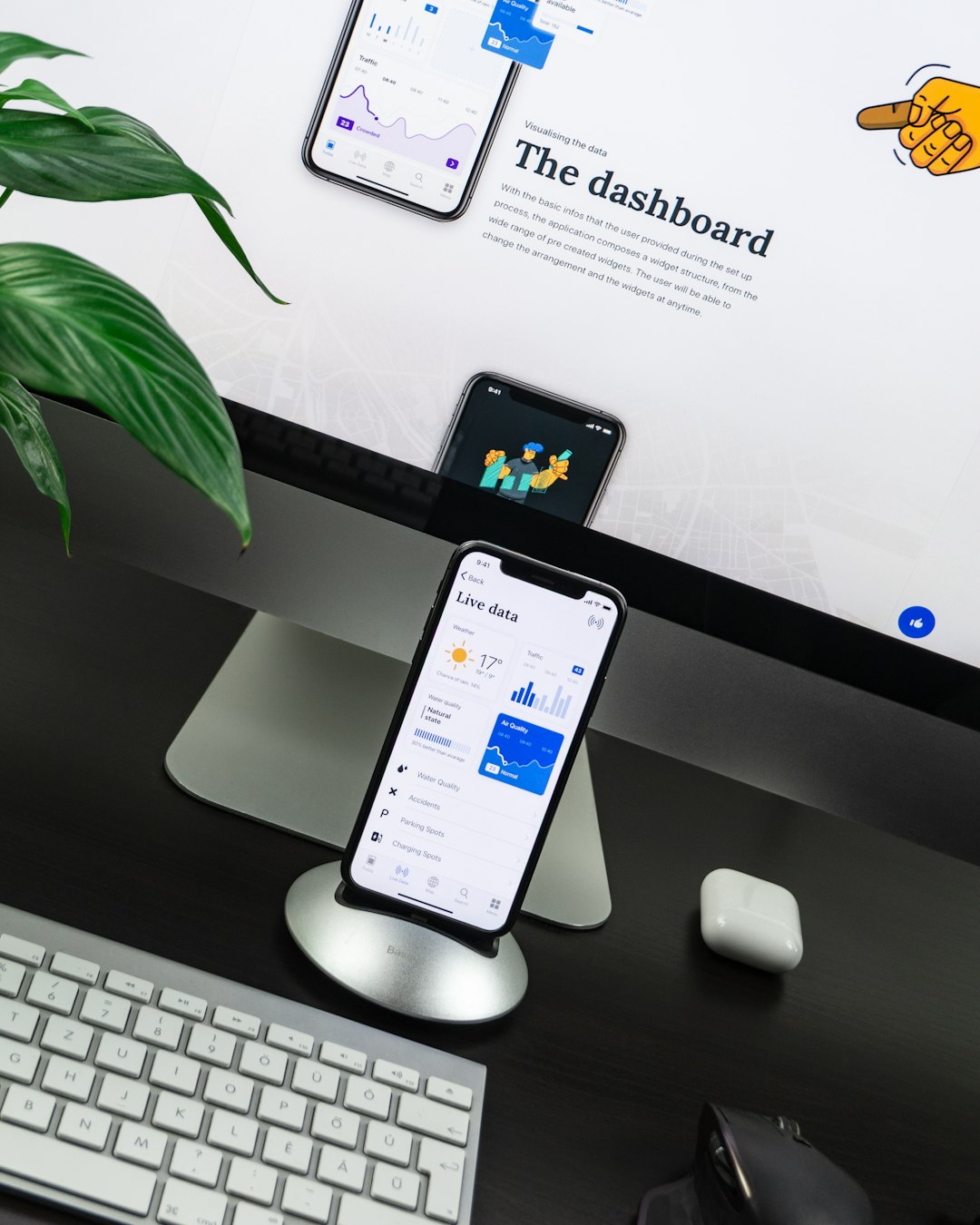
Photoleap is a mobile-first editor built for imaginative image creation. It combines AI tools with layered editing, filters, blending modes, cutouts, and artistic effects. This makes it especially good for fantasy portraits, double exposures, abstract edits, and surreal social media visuals.
What makes Photoleap exciting is its sense of play. You can transform a simple selfie into a cosmic portrait, merge animals with landscapes, create dreamlike reflections, or build an image that looks like a digital painting. It is a great app for creators who do not want their photos to look too realistic or too safe.
Best for: surreal art, mobile creators, fantasy edits, and experimental compositions.
Standout feature: AI art and layered editing tools that make complex visual ideas easier to build on a phone.
6. Canva: Best for Eye-Catching Designs With Edited Photos
Canva is often thought of as a design app, but its AI photo editing features make it highly useful for creating polished, shareable visuals. You can remove backgrounds, adjust images, use AI-powered design suggestions, add text, apply filters, and place edited photos into templates for posters, ads, presentations, thumbnails, and social posts.
Canva is not the deepest retouching tool, but it excels at turning a strong photo into a complete design. If your goal is to create an eye-catching image for a campaign, announcement, profile banner, event flyer, or content post, Canva can help you move quickly from photo to finished layout.
Best for: marketers, small businesses, creators, students, and anyone making designed visual content.
Standout feature: Easy background removal and ready-made templates for fast, polished designs.
7. Fotor: Best for Quick AI Art and Photo Enhancement
Fotor is a versatile option for users who want both photo enhancement and creative AI features in one place. It includes portrait retouching, background removal, filters, design templates, AI art generation, and basic editing tools. It is especially appealing for beginners because the interface is straightforward and the results are quick.
For bold images, Fotor’s AI effects and art-style tools can help create more stylized visuals. You can enhance a portrait, add a dramatic filter, generate artistic variations, or prepare an image for online use without needing advanced editing knowledge.
Best for: beginners, casual creators, and users who want simple AI enhancement plus creative effects.
Standout feature: A wide range of easy AI tools for portraits, backgrounds, and art-inspired edits.
8. Topaz Photo AI: Best for Sharpness, Detail, and Upscaling
Not every artistic image depends on wild effects. Sometimes the most eye-catching result comes from clarity, detail, and technical polish. Topaz Photo AI specializes in noise reduction, sharpening, and upscaling. It can rescue slightly blurry images, clean grainy photos, and enlarge images while preserving detail.
This is especially useful if you create prints, crop heavily, or work with older camera files. A dramatic edit can lose impact if it looks soft or messy, so Topaz Photo AI works well as a finishing tool. Use it after your creative edits to give the final image a crisp, professional edge.
Best for: photographers, print creators, restoration projects, and high-resolution exports.
Standout feature: AI upscaling and sharpening that can significantly improve technical image quality.
9. Remini: Best for Restoring and Enhancing Portraits
Remini is known for transforming low-quality, blurry, or old portraits into cleaner, sharper images. Its AI enhancement features can add facial detail, improve clarity, and make damaged or low-resolution photos look more presentable.
While it is not a full creative editing suite, Remini can be incredibly useful at the start of an artistic workflow. For example, you can restore an old family photo, sharpen a soft portrait, then bring the improved image into another app for color grading, design, or surreal effects.
Best for: portrait restoration, profile photos, old images, and low-resolution face shots.
Standout feature: Fast face enhancement that can make blurry portraits look dramatically clearer.
10. Runway: Best for AI Creativity Beyond Still Images
Runway is best known for AI video tools, but it is also valuable for creators who work across photos, motion, and experimental media. Its AI features support background removal, generative visuals, image expansion, and creative transformations. If you want to turn still images into motion concepts or use AI as part of a larger visual project, Runway is worth exploring.
For bold artistic work, Runway is especially interesting because it encourages a more cinematic mindset. A photo can become a scene, a scene can become a short clip, and a campaign idea can evolve into a full visual concept.
Best for: experimental artists, video creators, campaign visuals, and multimedia storytelling.
Standout feature: Generative tools that connect image editing with motion and visual effects.
How to Choose the Right AI Photo Editing App
The best app depends on your creative goal. If you want professional-grade composites, choose Photoshop. If you care most about color and mood, choose Lightroom. For instant drama, try Luminar Neo. For social media creativity, Picsart and Photoleap are excellent. If you need clean, sharp, high-resolution results, Topaz Photo AI is a smart finishing tool.
It also helps to think about your preferred workflow. Some creators like to do everything in one app, while others use several tools together. A common workflow might look like this:
- Enhance quality with Remini or Topaz Photo AI.
- Adjust color and light in Lightroom or Luminar Neo.
- Create bold effects in Photoshop, Picsart, or Photoleap.
- Turn the final image into a design with Canva or Fotor.
Tips for Making AI Edited Photos Look Bold, Not Overdone
AI effects can be exciting, but more is not always better. The most memorable images usually have a clear focal point, a strong mood, and a sense of intention. Before applying every filter available, decide what you want the viewer to feel. Should the image feel mysterious, glamorous, futuristic, nostalgic, chaotic, or elegant?
- Use contrast intentionally: Strong highlights and shadows can make an image feel cinematic.
- Limit your color palette: Two or three dominant colors often look more stylish than ten competing tones.
- Protect important details: Avoid over-smoothing skin or over-sharpening textures.
- Combine realism with fantasy: Surreal edits are more powerful when some parts still feel believable.
- Export at high quality: Compression can ruin the impact of a detailed edit.
Final Thoughts
The best AI photo editing apps make creativity feel faster, more accessible, and more adventurous. They can help beginners produce polished visuals and give experienced artists new ways to experiment. From the professional power of Photoshop to the social-ready energy of Picsart, the cinematic mood of Lightroom, and the surreal possibilities of Photoleap, there is an AI tool for nearly every creative style.
For the boldest results, do not treat AI as a replacement for taste. Treat it as a creative collaborator. Start with a strong idea, use the app that fits your workflow, and refine the image until it feels not just edited, but intentional, expressive, and impossible to ignore.