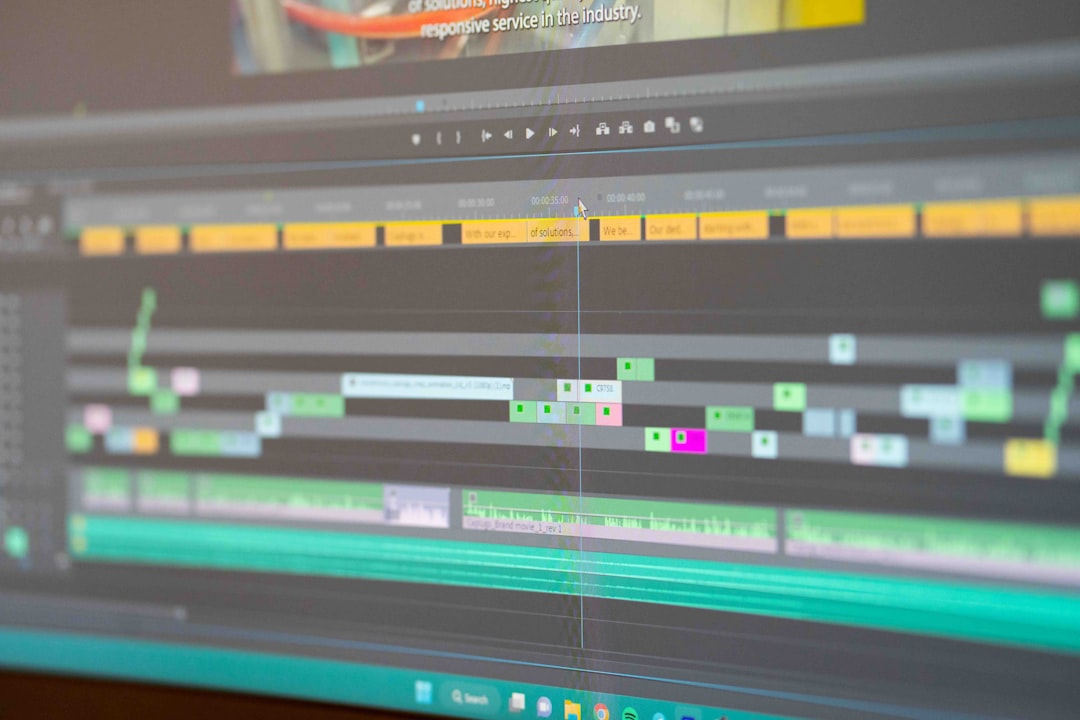
Short-form video dominance has pushed creators to look for editing apps that are fast, powerful, and watermark-free. While CapCut remains one of the most popular choices for TikTok and Reels editing, many users on Reddit actively search for alternatives that offer more control, fewer restrictions, and no forced branding on exports. Whether the concern is privacy, desktop compatibility, professional-grade features, or simply avoiding watermarks, the community has tested dozens of tools and shared their honest experiences.
TLDR: Reddit users frequently recommend six strong CapCut alternatives with no watermark: DaVinci Resolve, VN Editor, InShot (paid), Shotcut, Canva Pro, and Adobe Premiere Rush. These tools range from beginner-friendly mobile apps to professional desktop editors. Most offer free versions, while some require paid plans to remove watermarks. If you want clean exports without sacrificing creative control, these are the most talked-about options.
Table of Contents
1. DaVinci Resolve
If you spend any time in Reddit’s r/videoediting or r/Filmmakers, you’ll see DaVinci Resolve mentioned constantly. While it might seem like overkill compared to CapCut, creators love it because the free version has no watermark and no hidden export limitations.
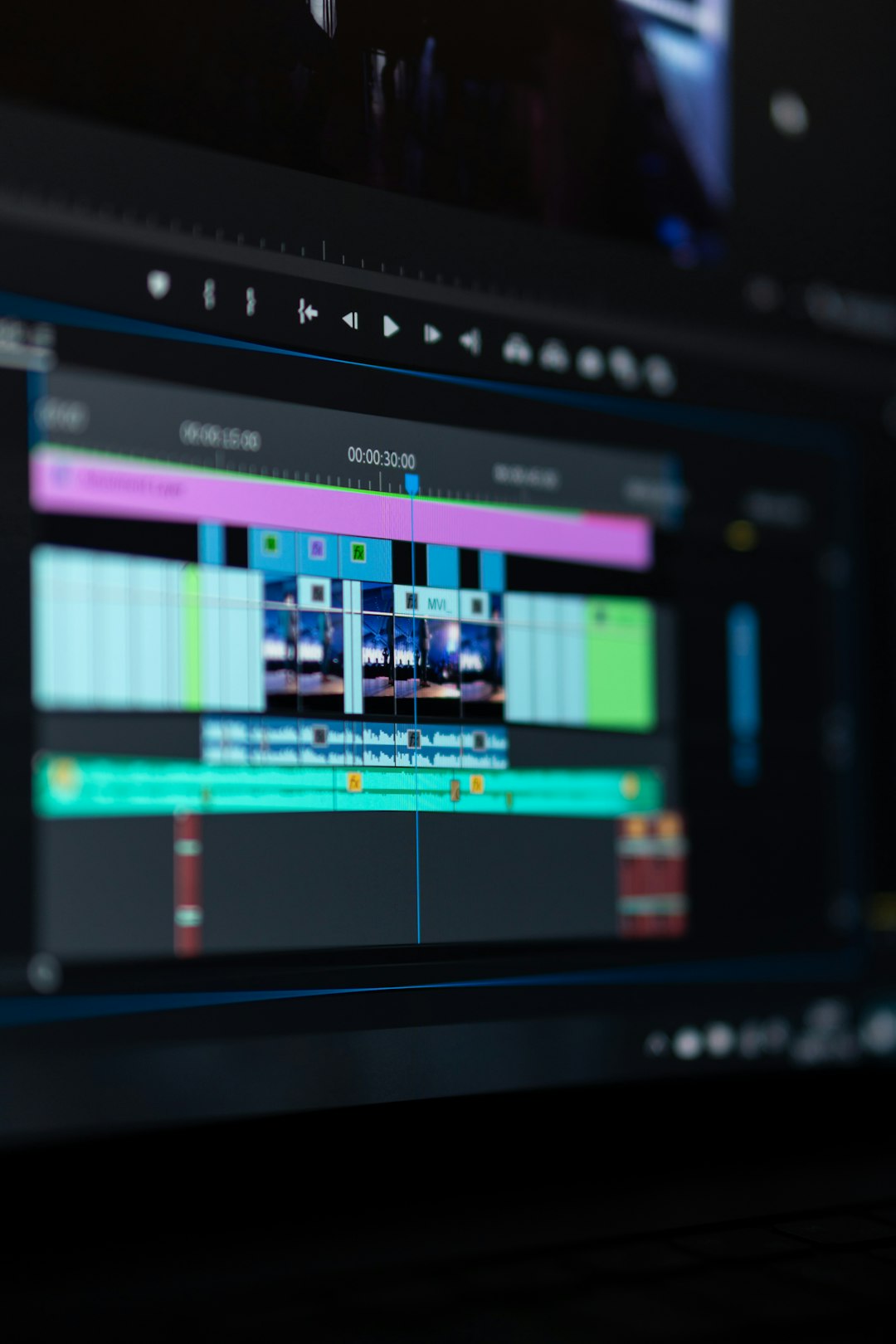
Why Reddit recommends it:
- Professional-level color grading tools
- Advanced audio editing inside Fairlight
- No watermark in the free tier
- Supports 4K exports
Unlike CapCut, which thrives in mobile-first editing, DaVinci Resolve is built for desktops and serious workflows. That makes it ideal for YouTube creators, indie filmmakers, and anyone looking to upgrade from casual edits.
Downside: It has a learning curve. Redditors often mention that beginners may feel overwhelmed at first. However, countless free tutorials make onboarding easier.
Best for: Creators wanting complete control without watermark restrictions.
2. VN Video Editor
VN (often just called “VN Editor”) frequently pops up in Reddit threads titled “CapCut alternative no watermark?” because it offers something many apps no longer provide — fully free exports without branding.
Available on iOS, Android, Mac, and Windows, VN strikes a balance between simplicity and power.
Features users highlight:
- Multi-layer timeline editing
- Custom animations and keyframes
- Speed curves and transitions
- No watermark even on the free plan
Redditors describe VN as “CapCut without the baggage.” The interface feels familiar, which makes switching easy. It’s particularly popular among TikTok editors who want smooth transitions and text animations without forced logos.
Downside: Some users report occasional stability issues on older smartphones.
Best for: Mobile creators who want CapCut-style editing without export restrictions.
3. InShot (Paid Version)
InShot has been around long before CapCut rose to fame. On Reddit, it’s commonly suggested with one caveat: you’ll need the paid version to remove the watermark.
While the free version includes branding, upgrading removes it permanently. Many users argue that the one-time purchase is worth it.
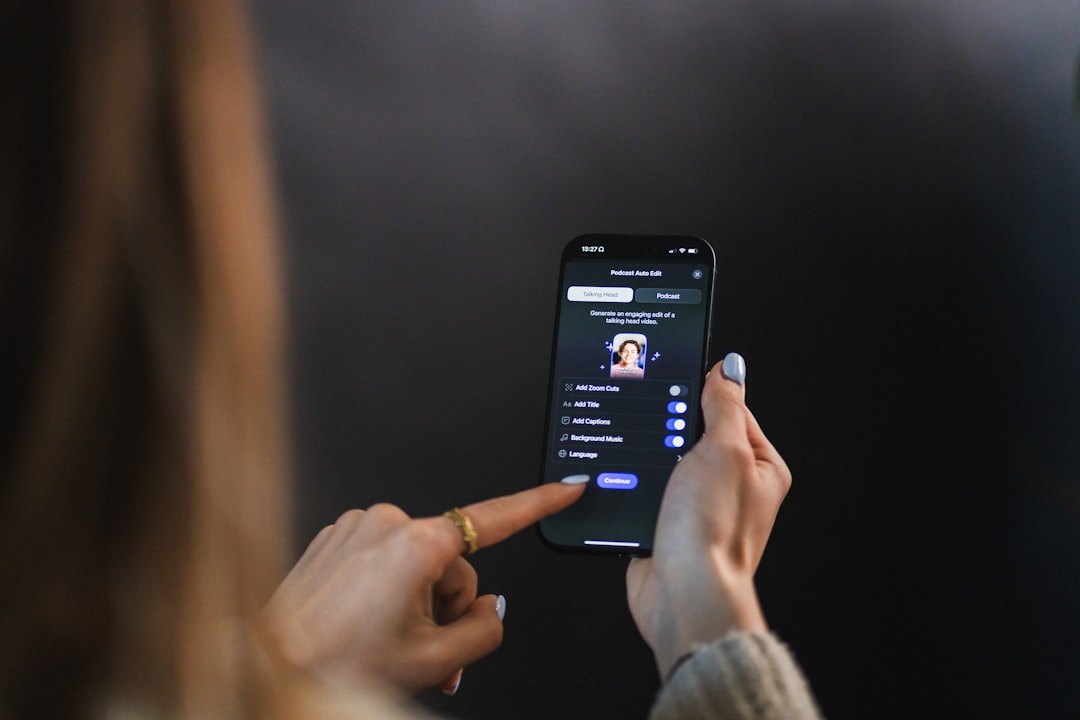
What makes InShot attractive:
- Extremely beginner-friendly interface
- Great text overlays and fonts
- Easy aspect ratio adjustments for TikTok, Instagram, and YouTube
- Reliable exports
Reddit feedback often highlights InShot’s stability compared to newer editing apps. It may not offer Hollywood-grade color grading, but for social content, it performs smoothly.
Downside: Advanced effects are somewhat limited compared to CapCut’s constantly expanding template ecosystem.
Best for: Beginners who want simplicity and are willing to pay to remove branding.
4. Shotcut
Shotcut is frequently described on Reddit as a “fully free, open-source alternative” for those who prefer desktop editing. Unlike many mobile-first apps, Shotcut focuses entirely on non-linear editing for Windows, Mac, and Linux.
Why users love it:
- Open-source and completely free
- No watermark whatsoever
- Wide format support
- Custom filters and transitions
Shotcut doesn’t try to mimic TikTok-style templates. Instead, it offers a stripped-down but flexible editing workspace. Reddit users often compare it to a simplified Premiere Pro.
Downside: The interface looks less modern. Beginners may need time to understand track management and filters.
Best for: Budget-conscious desktop editors who want a watermark-free solution.
5. Canva Pro Video Editor
While Canva is usually known for graphic design, its video editor has gained serious traction. Reddit discussions point out that Canva Pro removes export watermarks and offers surprisingly strong built-in templates.
This makes it particularly appealing to content marketers and small business owners.
Standout strengths:
- Drag-and-drop simplicity
- Thousands of animated templates
- Access to stock footage and music
- Cloud-based editing
CapCut may offer trend-driven templates, but Canva shines in branded content creation. Reddit users appreciate the ability to build social posts, thumbnails, and videos all in one ecosystem.
Downside: Requires a Pro subscription for full features and watermark-free premium assets.
Best for: Entrepreneurs, marketers, and creators focused on branding consistency.
6. Adobe Premiere Rush
Adobe Premiere Rush is often mentioned in Reddit threads as the “bridge” between beginner editing apps and professional software. While Adobe’s full Premiere Pro is more complex, Rush simplifies the experience without adding intrusive watermarks on paid plans.
Why it stands out:
- Cross-device syncing
- Clean, modern interface
- Built-in motion graphics templates
- Direct social sharing
Redditors who already use Adobe products appreciate the seamless workflow. You can start on mobile and finish on desktop without exporting intermediary files.
Downside: Free exports are limited, and full functionality requires a subscription.
Best for: Creators invested in the Adobe ecosystem.
What Reddit Users Say About Choosing the Right One
Across multiple threads, the advice tends to follow one pattern: define your workflow before choosing your editor.
Reddit creators emphasize three main considerations:
- Mobile vs Desktop: Do you edit entirely on your phone, or do you prefer a computer setup?
- Free vs Paid: Are you willing to pay a small subscription for advanced tools?
- Templates vs Control: Do you want trendy, automated effects, or hands-on timeline control?
CapCut is popular largely because it blends ease of use with viral-ready templates. Most alternatives either tilt toward professional control (DaVinci, Shotcut) or streamlined drag-and-drop simplicity (Canva, InShot).
Why Avoiding Watermarks Matters
For many Reddit users, watermark avoidance isn’t just about aesthetics. It’s about:
- Maintaining brand professionalism
- Repurposing content across multiple platforms
- Avoiding free app promotion on client work
- Ensuring cleaner visual presentation
Content monetization has become increasingly common. If you’re creating for clients or running ads, a watermark can significantly reduce perceived quality.
This explains why so many Reddit threads revolve around finding “hidden gems” that don’t sneak logos into exports.
The Bottom Line
CapCut remains a powerful and accessible editing tool, but it’s far from the only option. Reddit discussions reveal a strong appetite for flexibility, ownership, and watermark-free exports. Whether you choose the professional depth of DaVinci Resolve, the mobile simplicity of VN Editor, the reliability of InShot, the open-source freedom of Shotcut, the branding power of Canva Pro, or the ecosystem integration of Premiere Rush, there’s no shortage of capable replacements.
The best choice ultimately depends on your goals. If you want full cinematic control, go desktop. If you want speed and convenience, stick to mobile-friendly apps. And if branding matters most, pick a tool designed with marketing in mind.
One thing is clear from Reddit’s ongoing conversations: creators value clean exports, creative freedom, and tools that let their work shine — without someone else’s logo attached.