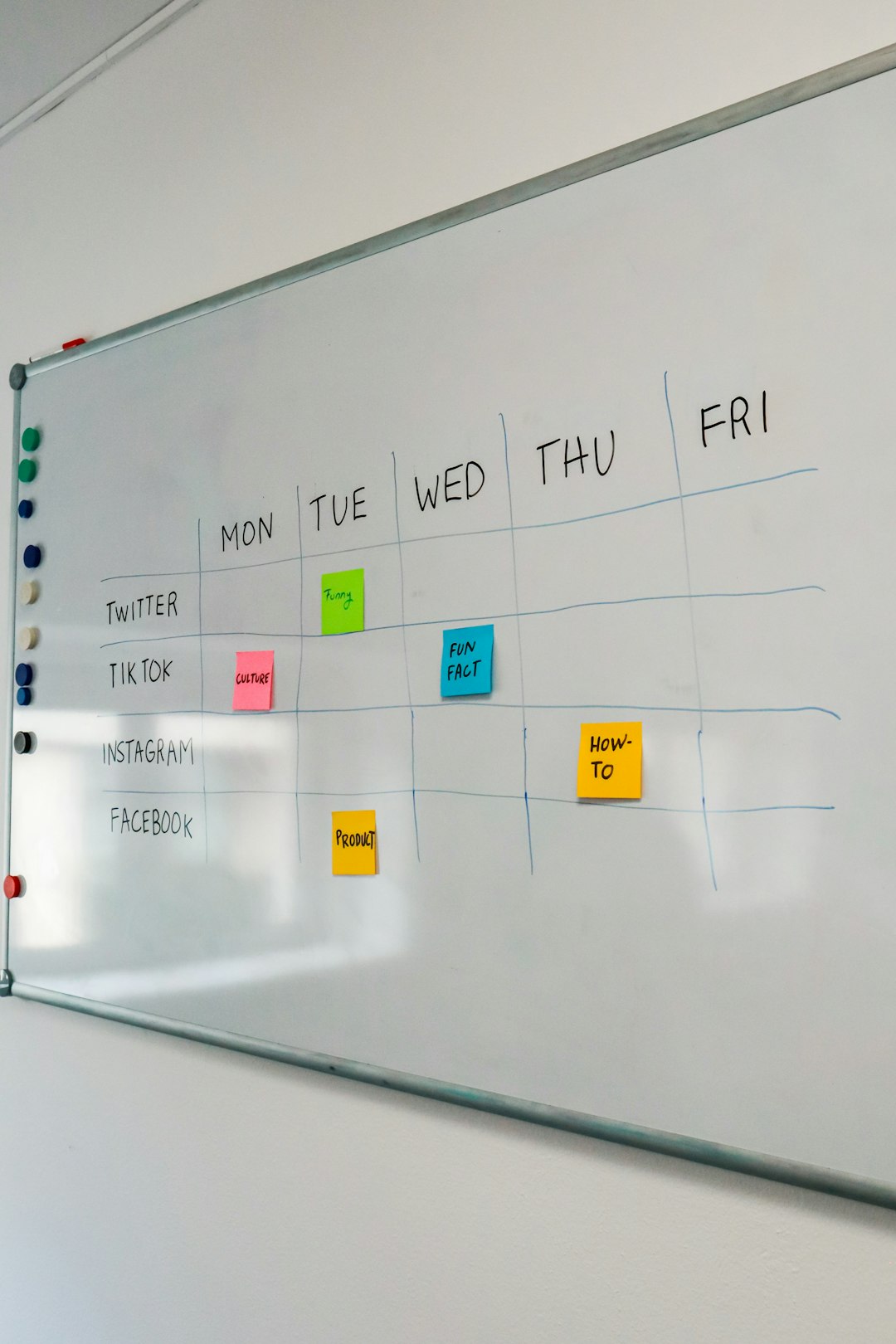
Modern teams no longer collaborate only in physical meeting rooms filled with sticky notes and whiteboards. Instead, they rely on digital canvases that recreate — and often improve upon — the brainstorming experience. Online whiteboard apps have become essential for remote teams, product managers, designers, educators, and startups that need a flexible way to ideate, plan, and execute visually.
TLDR: Online whiteboard tools give teams a shared visual workspace for brainstorming, planning, and collaboration in real time. While FigJam is popular, several other platforms offer competitive features such as templates, voting tools, integrations, and advanced diagramming. Miro, Mural, Lucidspark, and Microsoft Whiteboard stand out as strong alternatives. Choosing the right one depends on team size, workflow complexity, and integration needs.
These tools go far beyond simple drawing boards. They combine sticky notes, diagrams, wireframes, voting systems, templates, timers, and integrations with project management platforms. Below are four powerful online whiteboard apps like FigJam that help teams collaborate visually and effectively.
Table of Contents
1. Miro
Miro is one of the most comprehensive collaborative whiteboard platforms available today. Designed for distributed teams, it offers an expansive infinite canvas that makes it ideal for large brainstorming sessions, strategic planning, product roadmaps, and customer journey mapping.

Key Features
- Infinite canvas for large-scale projects
- Ready-made templates for agile workflows, UX research, and strategy
- Built-in voting, timers, and presentation mode
- Real-time collaboration with cursor tracking
- Integration with Slack, Jira, Microsoft Teams, Google Drive, and more
Miro stands out because of its versatility. Teams can run sprint retrospectives, conduct design thinking workshops, build wireframes, or even create organizational charts within the same environment. It also supports both synchronous and asynchronous collaboration, making it useful across time zones.
Best for: Large teams, product managers, UX designers, and enterprise-level collaboration.
2. Mural
Mural focuses heavily on structured collaboration and guided facilitation. It is especially popular with facilitators, consultants, and strategic planners who need structured workshops and strong engagement tools.
Unlike some tools that offer a more open-ended canvas, Mural emphasizes frameworks and guided collaboration methods. This can make sessions more productive and less chaotic — particularly when working with larger groups.

Key Features
- Facilitation superpowers (timer, private mode, attention management)
- Structured templates for ideation and strategic frameworks
- Anonymous voting and feedback tools
- Enterprise-grade security
- Seamless integration with Microsoft 365 and Slack
Mural’s facilitation tools are especially helpful when running workshops with participants who are less used to digital whiteboards. Private mode allows individuals to contribute independently before revealing ideas to the group, reducing bias and encouraging participation.
Best for: Facilitators, strategy teams, consultants, and structured workshop environments.
3. Lucidspark
Lucidspark is part of the Lucid software ecosystem and is often paired with Lucidchart. This makes it particularly strong when brainstorming needs to evolve into technical diagrams or process maps.
Lucidspark balances freeform ideation with structured diagramming. It allows teams to start with quick sticky-note brainstorming and then convert ideas into polished visuals.
Key Features
- Collaborative sticky notes and freehand drawing
- Seamless integration with Lucidchart
- Sorting and categorization features for organizing ideas
- Voting and breakout board functionality
- Integration with Atlassian, Google Workspace, and Microsoft Teams
One of Lucidspark’s biggest advantages is the workflow transition. Teams can brainstorm freely and then move selected concepts into technical diagrams without switching platforms. This makes it especially practical for engineering and operations teams.
Best for: Teams that need brainstorming plus structured diagramming in one ecosystem.
4. Microsoft Whiteboard
Microsoft Whiteboard is a streamlined and highly accessible tool built into the Microsoft ecosystem. While it doesn’t have all the advanced facilitation tools found in Miro or Mural, it integrates seamlessly with Microsoft Teams and is incredibly easy to use.

Key Features
- Tight integration with Microsoft Teams
- Simple, intuitive interface
- Basic templates and sticky notes
- Real-time collaboration
- Cloud-based access across devices
For organizations already committed to Microsoft 365, this tool provides a frictionless experience. Teams can launch a whiteboard session directly from a meeting without needing external software.
Best for: Small to medium teams already using Microsoft 365.
Comparison Chart
| Feature | Miro | Mural | Lucidspark | Microsoft Whiteboard |
|---|---|---|---|---|
| Infinite Canvas | Yes | Yes | Yes | Yes |
| Facilitation Tools | Advanced | Highly advanced | Moderate | Basic |
| Templates | Extensive library | Strategy focused | Moderate library | Limited |
| Diagram Integration | Moderate | Basic | Strong with Lucidchart | Minimal |
| Best For | Large teams | Workshops | Technical teams | Microsoft users |
How to Choose the Right Online Whiteboard
When evaluating alternatives to FigJam, teams should consider several factors:
- Team Size: Larger teams benefit from strong facilitation and voting tools.
- Workflow Complexity: If brainstorming feeds directly into technical diagrams, integration is key.
- Existing Software Stack: Seamless integrations reduce friction.
- Ease of Use: A steep learning curve can hinder adoption.
- Security Requirements: Enterprises need admin controls and compliance standards.
Organizations that frequently host workshops may prioritize structured collaboration features. Meanwhile, startups might prefer flexibility and speed, while enterprise-level companies may seek advanced permissions, governance, and integrations.
The Future of Visual Collaboration
Online whiteboards are no longer just brainstorming tools. They are becoming central hubs for innovation, project planning, and communication. With hybrid work becoming the norm, visual collaboration platforms help bridge physical and digital gaps.
Features such as AI-powered summaries, automatic clustering of ideas, and smart diagram recommendations are increasingly common. As these tools evolve, they continue to reduce the friction between thinking, organizing, and executing ideas.
While FigJam remains popular, Miro, Mural, Lucidspark, and Microsoft Whiteboard each offer distinctive advantages. The right choice depends not on which tool is “best” overall, but which one best aligns with the team’s workflows and collaboration style.
Frequently Asked Questions (FAQ)
1. What is an online whiteboard app?
An online whiteboard app is a digital collaboration platform that allows users to brainstorm, draw diagrams, add sticky notes, and share ideas visually in real time. It simulates a physical whiteboard but includes advanced digital features.
2. Are online whiteboards secure?
Most reputable platforms offer encryption, secure cloud storage, permission controls, and enterprise-grade compliance. Security levels vary by provider and subscription tier.
3. Can these tools be used for remote workshops?
Yes. Tools like Miro and Mural are specifically designed for remote workshops, offering timers, voting mechanisms, and presenter tools for structured facilitation.
4. Do online whiteboards integrate with project management tools?
Many platforms integrate with tools such as Jira, Slack, Microsoft Teams, Trello, and Google Workspace, helping teams move from brainstorming to execution seamlessly.
5. Which tool is best for small teams?
For small teams already using Microsoft 365, Microsoft Whiteboard may be sufficient. For growing startups or design-focused teams, Miro or Lucidspark may offer more flexibility.
6. Are free plans available?
Most online whiteboard apps offer free plans with limited boards or features. Paid plans unlock advanced collaboration tools, integrations, and security options.
By selecting the right online whiteboard tool, teams can transform scattered ideas into structured strategies and visual roadmaps — no matter where they are located.