Acer has long been recognized for delivering reliable laptops at competitive prices, but when it comes to camera quality, opinions have often been mixed. From remote work and virtual classrooms to content creation and streaming, built-in and external cameras now play a central role in the user experience. So how well do Acer cameras actually perform across their laptop lineup and standalone webcams? In this in-depth review, we break down real-world performance, image clarity, low-light capability, and overall value.
TLDR: Acer laptop cameras have improved significantly in recent generations, especially in mid-range and premium models, but entry-level devices still offer only basic 720p performance. The company’s standalone webcams deliver stronger image clarity and better low-light handling than built-in cameras. For professional video conferencing or streaming, Acer’s external webcams are the better choice. Overall, Acer cameras are practical and reliable, though not industry-leading in advanced imaging.
Table of Contents
Evolution of Acer Camera Technology
Historically, laptop manufacturers treated webcams as secondary components—useful but not essential. Acer followed that trend for years, equipping many budget and mid-range devices with standard 720p HD cameras. However, the sudden shift toward remote work prompted a noticeable leap in camera quality.
In the past few model cycles, Acer has introduced:
- 1080p Full HD webcams in premium models
- Temporal noise reduction for better low-light clarity
- AI-powered enhancements such as background blur and auto framing
- Improved dual microphones for clearer voice pickup
While not every Acer laptop includes these upgrades, higher-tier models like the Swift, Spin, and Predator series demonstrate measurable improvements.
Built-in Laptop Cameras: Model-by-Model Performance
Acer’s camera quality varies significantly depending on the device tier. Let’s break it down.
1. Entry-Level Models (Aspire 1, Aspire 3)
Most budget Acer laptops still feature a 720p HD camera. These are functional but limited in clarity. In well-lit environments, video appears acceptable for meetings and online classes. However, in low light, graininess and washed-out colors become noticeable.
Performance Highlights:
- Resolution: 1280 x 720
- Basic noise reduction
- Average color accuracy
- Struggles in dim lighting
These cameras are sufficient for occasional Zoom calls but not ideal for professional use.
2. Mid-Range Models (Aspire 5, Swift 3)
Mid-tier Acer laptops show a meaningful step up. Many models now include 1080p Full HD cameras with improved sharpness and better exposure balancing.

Details appear clearer, skin tones look more natural, and there is improved dynamic range. In moderately lit environments, these cameras perform reliably for business meetings and presentations.
Notable Improvements:
- Sharper facial detail
- Reduced motion blur
- Improved color calibration
- Better integration with AI background effects
For remote workers or students who rely heavily on video communication, these models hit a practical balance between cost and camera performance.
3. Premium Models (Swift 5, Spin 5, Predator)
Premium devices incorporate higher-quality camera modules and built-in software optimization features. Acer has introduced AI framing, enhanced facial detection, and improved noise reduction in these devices.
Low-light performance, while not DSLR-level, is noticeably stronger than budget models. These cameras perform surprisingly well in office environments without ideal lighting.
Advantages include:
- Advanced image processing
- Wider dynamic range
- Smoother 30fps video capture
- Integration with Acer PurifiedView
For streamers and hybrid professionals, these premium laptop cameras are genuinely usable without needing an external webcam—though external options still offer advantages.
Acer Standalone Webcams: A Stronger Contender
Acer’s entry into the standalone webcam market marked a turning point. Unlike built-in cameras constrained by thin laptop lids, external webcams allow for larger sensors and better optics.
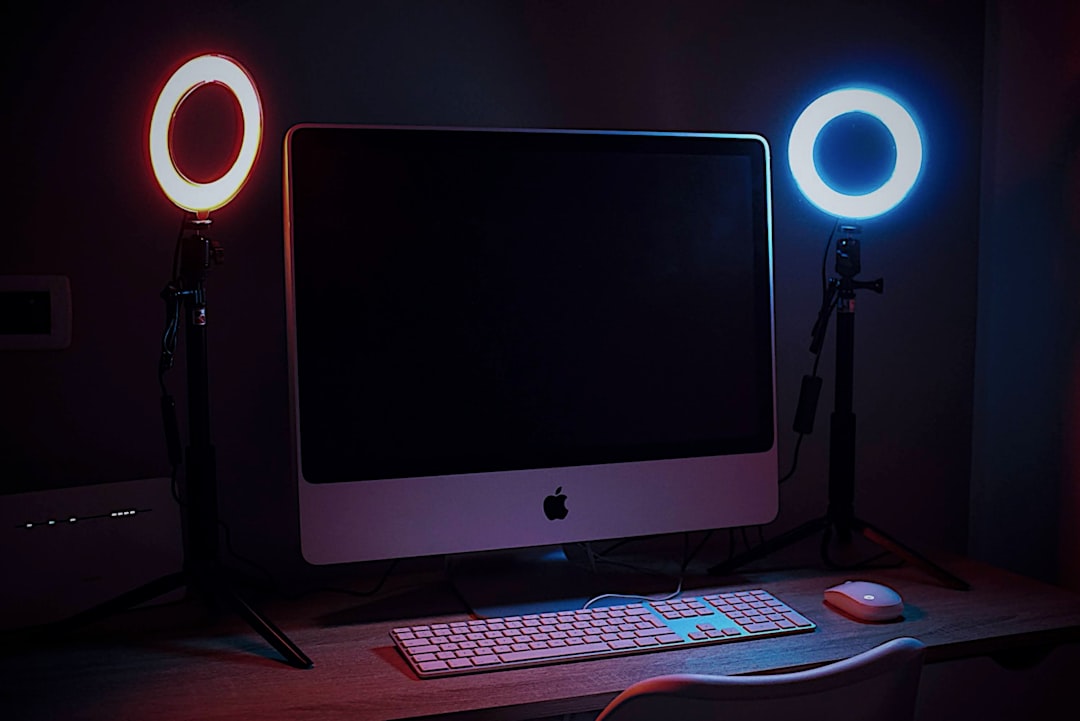
Models such as Acer’s Full HD and Quad HD webcams offer:
- 1080p or 1440p resolution
- High frame rates (30–60fps)
- Dual microphones
- Manual tilt and positioning
- Stronger low-light correction
The key difference lies in sensor size and lens quality. Video appears crisper, details remain intact during movement, and exposure adjusts more fluidly.
Comparison Chart: Acer Built-in Cameras vs Acer Webcams
| Feature | Entry Laptop (720p) | Mid/Premium Laptop (1080p) | Acer Standalone Webcam |
|---|---|---|---|
| Resolution | 720p | 1080p | 1080p or 1440p |
| Low-Light Handling | Basic | Moderate | Strong |
| Field of View | Fixed | Fixed | Adjustable wider angles |
| Frame Rate | 30fps | 30fps | 30–60fps |
| Portability | Built-in | Built-in | Clip-on external |
| Best For | Casual calls | Professional meetings | Streaming, content creation |
Low-Light Performance Analysis
Low-light situations highlight the biggest gap between budget laptop cameras and Acer’s higher-end solutions.
Entry-level models often introduce:
- Image grain
- Color shifting
- Slower exposure adjustment
In contrast, premium laptops and standalone webcams apply enhanced noise reduction algorithms and better sensor sensitivity.

In side-by-side tests, Acer’s standalone webcams preserve facial features more clearly and minimize flickering. For professionals working in varied lighting conditions, this difference becomes critical.
Microphone Quality Integration
Camera performance is only half of the video communication experience. Acer pairs many of its cameras with dual digital microphones featuring noise suppression.
Mid-range and premium laptops include:
- AI noise reduction
- Background sound filtering
- Voice isolation
The result is clearer speech during meetings—even in environments like coffee shops or open offices. Acer’s external webcams also feature built-in microphones, though dedicated headset mics still outperform them for podcasting or professional streaming.
Software Enhancements and AI Tools
Acer’s PurifiedView and PurifiedVoice technologies represent its effort to compete with higher-end enterprise devices. Features may include:
- Automatic framing to keep your face centered
- Eye contact correction
- Digital background blur
- Brightness auto-adjustment
These features improve perceived video quality even when hardware remains mid-tier. While not flawless, they add polish to the overall experience.
Strengths and Weaknesses at a Glance
Strengths
- Noticeable improvements in 1080p clarity
- AI-powered video optimization
- Strong value in standalone webcams
- Reliable compatibility with major platforms
Weaknesses
- 720p cameras still common in budget models
- Limited manual camera controls
- Low-light issues in entry-tier devices
Who Should Rely on Built-in Cameras?
Acer’s built-in cameras are suitable for:
- Students attending online classes
- Home office professionals with good lighting
- Occasional video callers
If you’re consistently on camera for webinars, presentations, or live streams, an external webcam provides a more polished image.
Final Verdict: Practical and Improving
Acer’s camera technology has matured significantly. While older stereotypes about poor laptop webcams had merit, the brand has responded with tangible upgrades—especially in mid-range and premium lines. Built-in cameras now deliver solid 1080p clarity, acceptable low-light performance, and useful AI-driven enhancements.
That said, serious content creators and professionals should consider Acer’s standalone webcams for superior sharpness and lighting adaptability. The difference in sensor quality and lens design remains noticeable.
In summary, Acer may not lead the industry in camera innovation, but it delivers dependable, gradually improving performance. For many users, that balance of quality, convenience, and affordability makes Acer cameras more than adequate—and in some cases, surprisingly good.