Your Mac can be more than a pretty laptop. It can be a fast command center. It can build apps, manage files, clip screenshots, run servers, and remember passwords. The right tools make it feel like a tiny spaceship with a great keyboard.
TLDR: In 2026, the best Mac toolbox apps help you move faster with less clicking. Start with Raycast, Homebrew, iTerm2 or Warp, OrbStack, CleanShot X, and 1Password. Add tools like TablePlus, Fork, Kaleidoscope, and Little Snitch when your work gets deeper. Your goal is simple: fewer tabs, fewer chores, more flow.
Table of Contents
The Mac toolbox mindset
A good toolbox app does one thing very well. It saves time. It removes friction. It makes boring tasks feel easy.
Developers need speed. Power users need control. Both need apps that stay out of the way. The best tools feel invisible after a week. You just use them without thinking.
Here are the top Mac toolbox apps worth using in 2026. Some are free. Some are paid. Most are worth far more than their price if you use your Mac every day.
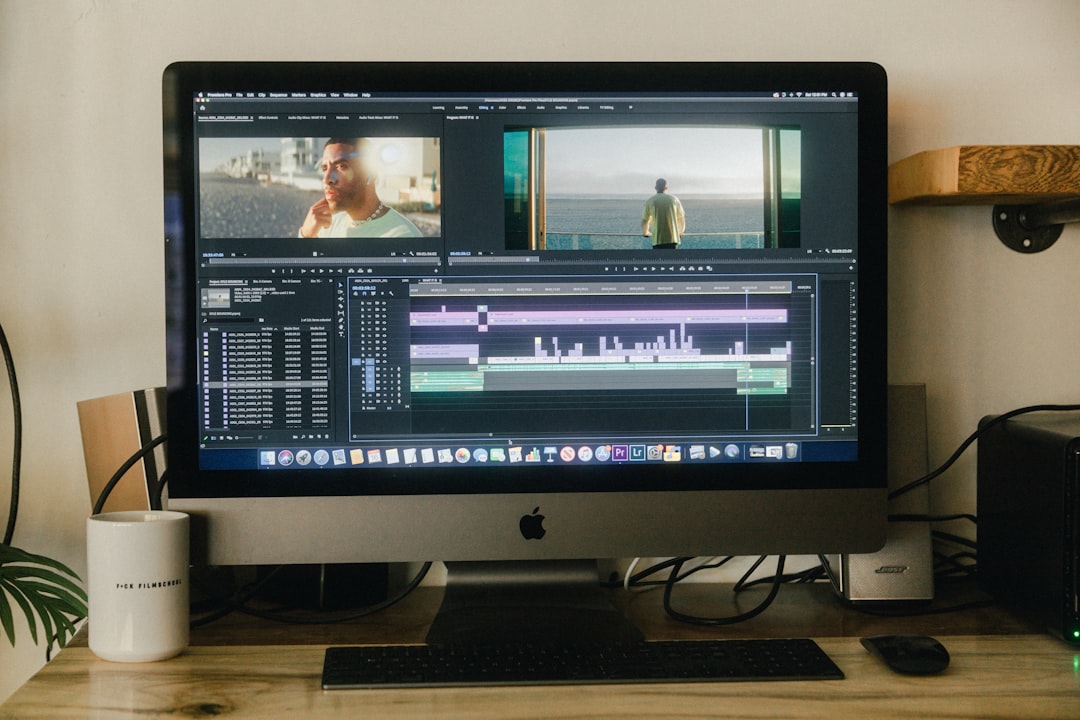
1. Raycast: the magic command bar
Raycast is one of the first apps to install on a new Mac. Press a shortcut. Type what you want. Launch apps. Search files. Run scripts. Manage windows. Create snippets. Check calendars. Do quick math.
It feels like Spotlight went to the gym.
For developers, Raycast is extra handy. You can run shell commands. Search GitHub. Open Jira tickets. Control Docker. Use AI helpers. You can also build your own extensions.
Best for: anyone who hates hunting through menus.
- Use it for: app launching, snippets, scripts, window moves.
- Why it rocks: it keeps your hands on the keyboard.
- Power tip: make custom commands for daily tasks.
2. Homebrew: the developer vending machine
Homebrew is a package manager for macOS. That sounds dull. It is not. It lets you install developer tools with one neat command.
Need Node, Python, Git, Go, PostgreSQL, Redis, or FFmpeg? Homebrew can grab them. Need apps like Visual Studio Code or Firefox? It can install many of those too.
Homebrew shines when you set up a new Mac. You can keep a list of packages. Then you can rebuild your setup fast. No endless clicking. No mystery downloads.
Best for: developers, sysadmins, and anyone who likes repeatable setups.
- Use it for: installing command line tools.
- Why it rocks: it makes setup simple.
- Power tip: keep a Brewfile in your dotfiles repo.
3. iTerm2 or Warp: better terminal time
The built in Terminal app is fine. But “fine” is not the goal. iTerm2 and Warp give you a better terminal life.
iTerm2 is a classic. It is fast, flexible, and loved by many Mac developers. It has split panes, profiles, hotkeys, search, and deep customization.
Warp feels newer and more visual. Commands appear in blocks. Search is friendly. AI help can explain commands. It is nice if you live in the terminal but want less pain.
Pick the one that feels good. The best terminal is the one you enjoy opening.
- iTerm2: great for custom setups and terminal pros.
- Warp: great for modern workflows and command help.
- Power tip: pair either one with Zsh, Oh My Zsh, or Starship.
4. Visual Studio Code and Cursor: coding with boosters
Visual Studio Code is still a safe choice in 2026. It is quick, flexible, and packed with extensions. It handles JavaScript, Python, Go, Rust, Markdown, JSON, and more.
Cursor is popular with developers who want AI inside the editor. It can explain code. It can write small functions. It can help refactor. It can also save you from staring at a bug like it insulted your family.
Both editors are strong. Some people use both. VS Code for stable daily work. Cursor when they want heavier AI help.
Best for: writing code, reading code, and fixing code you wrote at 1 a.m.
5. OrbStack: containers without the drama
OrbStack is a smooth way to run containers and Linux machines on a Mac. It is often faster and lighter than older container setups. That matters. Fans should not sound like tiny jet engines every time you start a local app.
If you use Docker images, databases, queues, or local dev stacks, OrbStack can make your day better. It supports Docker workflows, but feels more Mac native.

- Use it for: Docker containers and Linux dev environments.
- Why it rocks: it is fast and simple.
- Power tip: keep project services in compose files.
6. TablePlus: databases without fear
TablePlus is a clean database app. It supports PostgreSQL, MySQL, SQLite, Redis, Microsoft SQL Server, and more. It looks nice. It moves quickly. It makes data less scary.
You can browse tables, edit rows, run queries, and inspect schemas. Developers love it because it does not feel like a dusty enterprise tool from 2004.
Best for: checking local and remote databases.
- Use it for: SQL queries and data browsing.
- Why it rocks: it is simple but powerful.
- Power tip: use safe connections and avoid editing production while sleepy.
7. Bruno, Postman, or Insomnia: API testing tools
APIs are the pipes of modern software. You need a good way to test them. Postman is famous and full featured. Insomnia is clean and developer friendly. Bruno is loved because it stores collections in plain files and works nicely with Git.
If your team shares API requests, pick a tool together. Do not make everyone translate mystery curl commands in chat. That is how chaos grows tiny legs.
- Use them for: testing endpoints and auth flows.
- Why they rock: they make APIs visible.
- Power tip: store environments for local, staging, and production.
8. CleanShot X: screenshots that look sharp
CleanShot X is a screenshot and screen recording tool. It is one of those apps you do not know you need until you use it. Then the built in screenshot tool feels plain.
You can capture areas, windows, scrolling pages, and videos. You can blur secrets. Add arrows. Highlight bugs. Share quickly.
This is great for developers, support teams, writers, and anyone who says “look at this weird thing” five times a day.
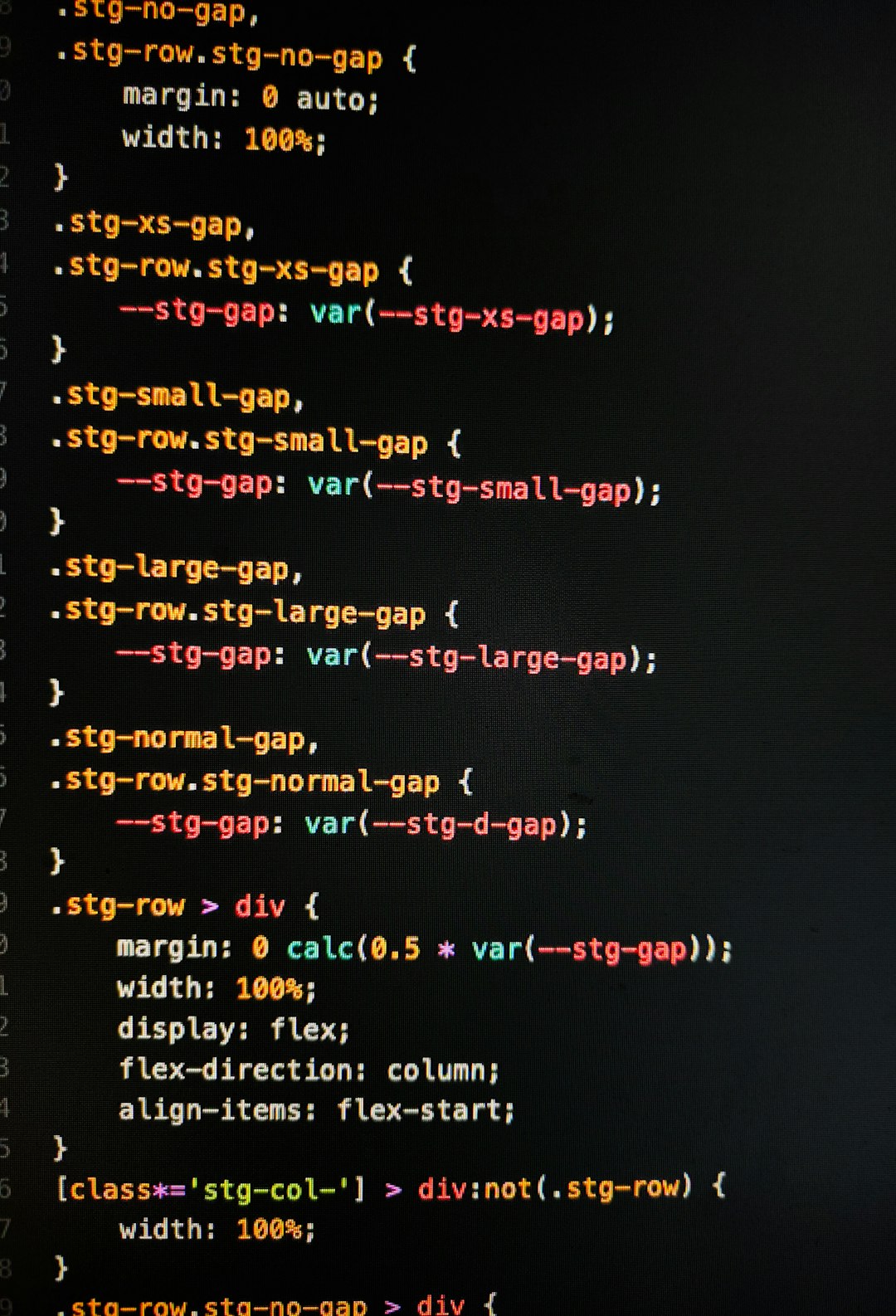
9. Rectangle or BetterTouchTool: window control heaven
macOS window management is better than it used to be. Still, many power users want more.
Rectangle is simple and free. It gives you keyboard shortcuts to snap windows left, right, full screen, thirds, and more.
BetterTouchTool is a monster in the best way. It can control windows, trackpad gestures, keyboard shortcuts, Touch Bar actions, mouse buttons, and automations.
If you want simple snapping, use Rectangle. If you want to turn your Mac into a custom control panel, use BetterTouchTool.
10. 1Password: secrets belong in a vault
1Password is essential. Developers handle passwords, SSH keys, API tokens, recovery codes, and private notes. Storing those in plain text is a bad idea. Storing them in your brain is also a bad idea. Your brain is busy remembering song lyrics from 2009.
1Password works well across devices. It can share vaults with teams and families. It also helps generate strong passwords. That alone is worth it.
- Use it for: passwords, tokens, notes, and secure sharing.
- Why it rocks: it reduces risky habits.
- Power tip: use unique passwords for every service.
11. Little Snitch: know what is calling home
Little Snitch is a network monitor and firewall. It shows when apps connect to the internet. You can allow or block connections. You can make rules.
This is useful for privacy. It is also useful for debugging. Sometimes an app is slow because it is trying to reach a server. Little Snitch lets you see that.
Best for: privacy fans, developers, and people who like knowing what their apps are doing.
12. Fork, Tower, or GitHub Desktop: Git with a face
Git is powerful. Git is also rude sometimes. A good Git app helps you see branches, staged files, diffs, commits, and merge conflicts.
Fork is fast and popular. Tower is polished and friendly. GitHub Desktop is simple and great for GitHub projects.
You should still learn Git commands. But a visual app can save time. It can also stop you from making a commit that includes your secret debug file named “final final real fix”.
13. Kaleidoscope: diff like a detective
Kaleidoscope is a beautiful diff and merge tool. It compares text, folders, and images. It helps you review changes with less eye strain.
Diff tools matter when work gets messy. You can compare config files. You can inspect generated output. You can solve merge conflicts without crying into your coffee.
Best for: developers, designers, writers, and anyone who reviews changes.
14. DEVONthink or EagleFiler: your personal knowledge vault
Power users collect things. PDFs, notes, docs, receipts, code snippets, research, logs, and random brilliant ideas. Without a system, your Downloads folder becomes a swamp.
DEVONthink is a deep knowledge management app. It can store, search, classify, and organize huge piles of documents.
EagleFiler is simpler. It is great for archiving email, web pages, PDFs, and notes.
Pick one if your Mac is full of “I will sort this later” files. Later has arrived.
15. Dash: offline docs at rocket speed
Dash gives you offline documentation for many languages and frameworks. It also stores code snippets. When the internet is slow, Dash still works. That feels wonderful.
You can search docs for Python, JavaScript, Swift, React, Go, Rust, HTML, CSS, and many more. It is useful for focus too. No browser rabbit holes. No “quick search” that becomes twenty tabs.
16. The small gems: tiny apps, huge wins
Some tools are small but mighty. They fix one annoying thing. Then you wonder how you lived without them.
- AppCleaner: removes apps and leftover files.
- Hidden Bar: hides menu bar clutter.
- MonitorControl: controls external display brightness.
- Shottr: lightweight screenshots and OCR.
- Numi: smart calculator with natural language.
- Hammerspoon: automation for brave keyboard wizards.
- Karabiner Elements: serious keyboard remapping.
How to build your 2026 Mac toolbox
Do not install everything at once. That creates app soup. Start with your daily pain.
If you waste time opening apps, install Raycast. If setup is slow, install Homebrew. If windows annoy you, install Rectangle. If screenshots look messy, install CleanShot X. If secrets are scattered, install 1Password.
Then add developer tools. Use OrbStack for containers. Use TablePlus for databases. Use Bruno, Postman, or Insomnia for APIs. Use Fork or Tower for Git. Use Kaleidoscope for diffs.
Final thoughts
The best Mac toolbox is not the biggest one. It is the one that fits your work. A perfect setup feels calm. It helps you move. It does not scream for attention.
In 2026, Mac users have amazing choices. You can automate boring tasks. You can build apps faster. You can keep secrets safe. You can tidy your screen. You can make your Mac feel like it was built just for you.
Start small. Keep what helps. Delete what does not. Your Mac should feel fast, friendly, and fun. That is the real power user move.